AI, Tooling
LLM Serving Repositories Target Different Layers
A pinned-source audit finds that fifteen repositories span serving engines, runtimes, frameworks, kernels, training, and speech recognition—not one comparable speed ranking.
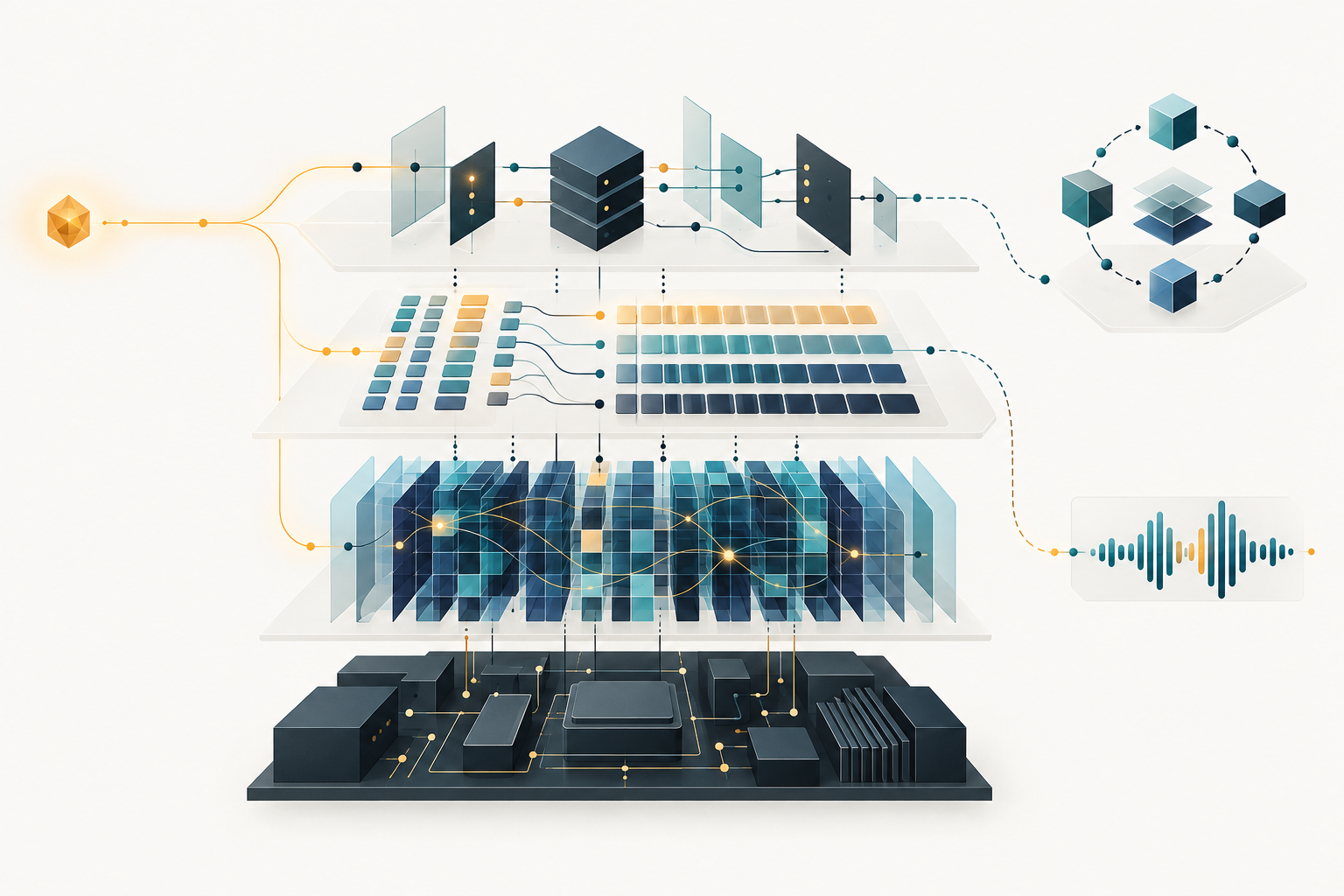
Which repositories target the slow part of an LLM serving path?
The archive note presents fifteen repositories as ways to run LLMs faster. Their pinned first-party sources describe several different kinds of work: serving engines, local or distributed runtimes, general model frameworks, training tools, an attention-kernel library, and speech recognition. That matters because a repository’s documented scope can help narrow a search, but it cannot tell an operator which project will be fastest on a particular workload. This audit maps scope; it does not rank performance. [1–15]
For an engineer operating an LLM-backed agent service, the useful first question is not “Which repository is fastest?” It is “Which layer owns the behavior I need to change?” A request-serving engine, a local model runner, a model framework, a kernel, and a pretraining project are not interchangeable choices. Some projects span several areas, so these are intervention points rather than exclusive product categories. [1–15]
The original list mixed capabilities and products
The source descriptions separate into distinct layers. vLLM and TensorRT-LLM are described as inference or serving systems. llama.cpp’s pinned README links to CLI and server documentation, while Ollama documents a local model runner and API; exo documents distributed inference across connected devices. Transformers and PyTorch are broader frameworks. Unsloth documents fine-tuning, reinforcement learning, and inference-related workflows [6]. DeepSpeed’s README describes large-scale deep-learning training [19], while its inference source defines an InferenceEngine [15]; the two sources show training and inference scope, not a training-only project. FlashAttention supplies attention-kernel functions. llm.c’s cited quick start is for GPT pretraining, and whisper.cpp serves automatic speech recognition. These descriptions establish what the pinned sources say each project covers; they do not establish comparative results. [1–15]
| Project | What the pinned source establishes | Reference |
|---|---|---|
| vLLM | An LLM inference and serving engine. | [1] |
| llama.cpp | Its pinned README links to CLI and server documentation. | [2] |
| Ollama | A local model runner and API. | [3] |
| Hugging Face Transformers | A model-definition framework spanning training and inference; its README also notes dedicated inference engines. | [4] |
| PyTorch | A tensor and machine-learning framework, not itself described as a serving product. | [5] |
| Unsloth | Fine-tuning and reinforcement learning alongside export, deployment, and inference workflows. | [6] |
| exo | Distributed model inference across connected devices. | [7] |
| FastChat | Training, serving, and evaluation, including model-worker and API serving paths. | [8] |
| llm.c | A GPT pretraining quick start that builds and runs train_gpt2fp32cu, not an inference server. | [9] |
| MLC-LLM | Compilation and deployment of LLMs across hardware backends. | [10] |
| FlashAttention | Attention-kernel functions such as flash_attn_func; a building block rather than a request-serving layer. | [11] |
| whisper.cpp | Automatic speech recognition; its server endpoint serves that task. | [12] |
| TensorRT-LLM | LLM inference and serving on NVIDIA platforms. | [13] |
| MLX | An Apple-Silicon array framework for machine learning. | [14] |
| DeepSpeed | Its inference source defines an InferenceEngine [15], and its README describes large-scale deep-learning training [19]. | [15] [19] |
The distinction corrects two category errors in the old framing. First, a training project is not automatically a serving engine: the pinned llm.c quick start is for pretraining. Second, a server can serve a task other than general LLM inference: the whisper.cpp source identifies automatic speech recognition. Neither observation says those projects are useless to a product that trains models or transcribes speech. It says their documented role does not support placing them in one undifferentiated speed ranking for LLM serving. [9] [12]
A lower-level component presents a different comparison again. FlashAttention’s cited source exports attention-kernel functions, while vLLM is described as an inference and serving engine. A kernel may be a relevant part of a system, but the source description does not make it a request server that can be substituted directly for an engine. This is a scope distinction, not a claim about how much either implementation changes latency. [1] [11]
A category map cannot answer a performance question
The original article asserted throughput, p95-latency, memory-efficiency, and GPU-spend benefits without specifying a workload, hardware, measurement method, or benchmark result. That pinned page establishes what the note claimed, not whether those benefits occurred. This audit reports no measured speed or cost gains. [18]
A useful comparison would begin with a service objective and a defined request trace. Hold the model, hardware, precision, and request trace constant across the candidates, then measure the chosen objective under those same conditions. If throughput is the objective, record throughput; if p95 latency is the objective, record p95 latency. Include the configuration and workload alongside the result. This is a proposed evaluation protocol, not a benchmark run in this article. [1–15] [18]
The scope map can then narrow the candidate set. If the suspected bottleneck belongs to a serving path, compare projects whose pinned sources include serving. If the issue concerns local model running, start with Ollama; for llama.cpp, inspect the CLI and server documentation linked from its README. If it concerns compilation and deployment across hardware backends, include MLC-LLM. If it concerns an attention kernel, evaluate that component inside a compatible stack rather than treating it as a server substitute. The map suggests where to investigate; only a controlled workload test can establish the outcome for a particular service. [1–15] [18]
For an agent service, this order keeps the investigation tied to the observed problem: identify the layer, choose candidates that operate there, and define the measurement before comparing them. The repositories’ descriptions can support the first two steps. They cannot replace a workload-specific measurement or guarantee that any candidate will improve it. [1–15] [18]
What changed since April 2026
The pinned vLLM release page dates v0.31.0 to October 5, 2026. Release recency gives readers a reason to re-check current commands and documentation, but it does not establish maintenance quality or serving performance. [17]
A concrete compatibility example appears in the pinned vLLM Python api_server module. It is a compatibility shim whose warning marks the module invocation as deprecated and points operators to vllm server. That is a version-specific command to verify before reusing an older recipe. It does not show that every earlier installation command is broken, and it is not evidence that the replacement is faster. [16]
The larger change is how to read the list. Treat each source as evidence of documented scope, keep unlike layers separate, and test performance claims against an explicit workload. The repository sources establish what these projects describe themselves as doing; the original article supplies unmeasured claims, not comparative results. [1–15] [18]
For the next operational step, read the vLLM rank-topology audit when a serving change crosses tensor, data, or expert parallelism boundaries. For a separate serving-related comparison, continue with FreeToken edge-native MoE serving. These links extend the investigation; this audit does not use them as evidence for the fifteen repository scopes.
Key Takeaways
- The fifteen pinned sources cover distinct layers and tasks, from serving engines and local runtimes to frameworks, kernels, training, and speech recognition. [1–15]
- The original article asserted throughput, p95-latency, memory-efficiency, and GPU-spend benefits without a specified workload, hardware, method, or benchmark result. [18]
- Project scope helps select relevant candidates; a comparison still needs the same model, hardware, precision, request trace, and a stated service objective. [1–15] [18]
- At the pinned vLLM commit, the api_server module warns that its invocation is deprecated and points to vllm server. [16]
New Questions
- Which layer owns the slowest part of a real request path, and what trace or measurement identifies it?
- Which candidate projects document work at that same layer and can be compared under one fixed configuration?
- What result would count as an improvement for this service, and what workload details must accompany it?
- Which commands or configuration assumptions should be rechecked against the exact release under evaluation?
References
References 1–15 point to pinned project documentation or source retrieved on October 17, 2026. The final four references document the vLLM compatibility and release details, the original article’s claims, and DeepSpeed’s training scope.
Repository documentation and source code
- vLLM README, commit 4e964b2623c951d063f4b7f23790d16f2d6b7f94
- llama.cpp README, commit 62318cd57dc63900ecb153272c0b10f78550855d
- Ollama README, commit d1ed3fd13ac73f60cff00bbead8af24a68c4200d
- Transformers README, commit d4804f9d76b8c071b993d813e9e87067b780cbee
- PyTorch README, commit 31ba9a56657bc887c95792dfe270706142d44f1a
- Unsloth README, commit e795149d9926382207b361f68f4c27e918e5e814
- exo README, commit bc412e2230f395e652c23426a5eb88dfa515769b
- FastChat README, commit 587d5cfa1609a43d192cedb8441cac3c17db105d
- llm.c README, commit f1e2ace651495b74ae22d45d1723443fd00ecd3a
- MLC-LLM README, commit 8978ea9aec626d64096aaa92fbc89bda2e3ea802
- FlashAttention source, commit 965c9212e6be33c821ee9f2b461564c5c91a2503
- whisper.cpp README, commit 0c7be696371069e0baa2515ed7aa08d5a5473aa6
- TensorRT-LLM README, commit e88d19ca3bda5bb761cf582e0379ed5397a7e60b
- MLX README, commit b6642e604843776705b57b1eaecb6f57e519b793
- DeepSpeed inference engine source, commit 036230e4f97c728204f89b1f8214addc9465b5c5
Release, archive, and additional scope references
Editorial method: claims in this article point to primary documentation, pinned source code, runnable checks, or dated measurements, with AI-assisted research under the site's evidence-gated policy. How this site verifies claims and discloses AI assistance · Report a correction.
Working on something like this?
I take a small number of paid, scoped reviews: AI agent/RAG architecture diagnosis, Unity CI & build-automation audits, and multimodal QA design review. Each one ends in a written findings document.
Work with me