Agent/Orchestration
CLI Is the Best Harness for Coding Agents
Why terminal‑native agents are winning: a comparative look at Gemini CLI, OpenCode, Claude Code, Codex CLI, Qwen Code, Copilot CLI, Kimi CLI, and Mistral Vibe.
🤔 Curiosity: Why does the CLI keep winning?
As coding agents handle longer‑horizon tasks, the terminal keeps emerging as the best harness to run, control, and scale them. The CLI is the place where code, shell, git, and automation already live—and that native proximity changes everything.
This post consolidates the linked tools and highlights what each CLI gets right.
📚 Retrieve: What each CLI agent actually ships
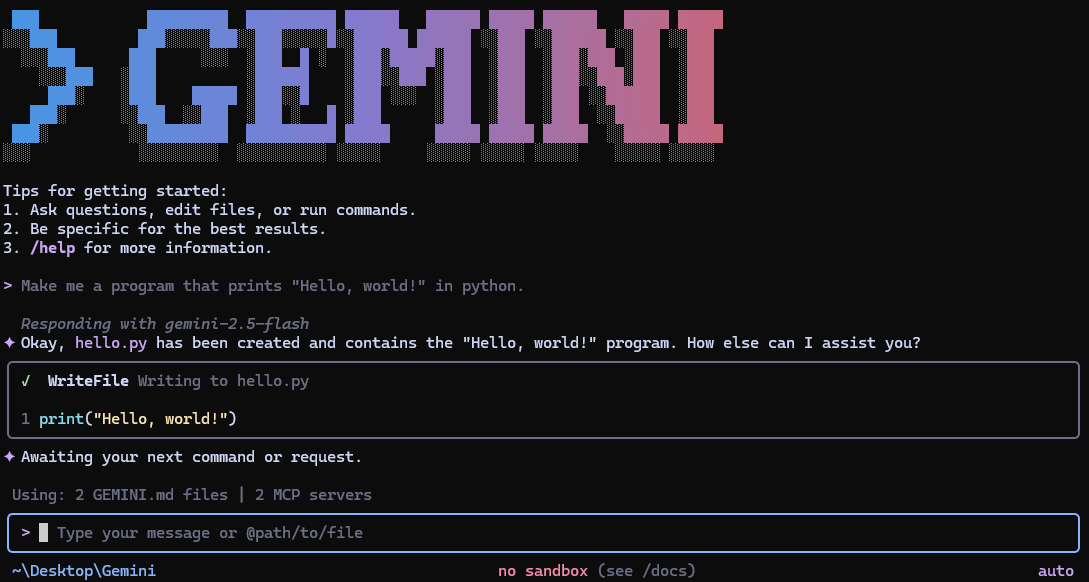
🥇 Gemini CLI (Google)
- Open‑source CLI agent with a free tier (60 req/min, 1,000 req/day)
- Gemini 3 models with 1M‑token context
- Built‑in tools: search grounding, file ops, shell commands, web fetching
- Extensible via MCP servers
- Install via npx/npm/brew
Repo: https://github.com/google-gemini/gemini-cli
🥈 OpenCode (Anomaly)
- Provider‑agnostic open‑source coding agent
- TUI‑first UX, client/server architecture, built by terminal‑first teams
- Built‑in agents (build/plan), optional subagent for deep search
- Cross‑platform installers + desktop app
Repo: https://github.com/anomalyco/opencode
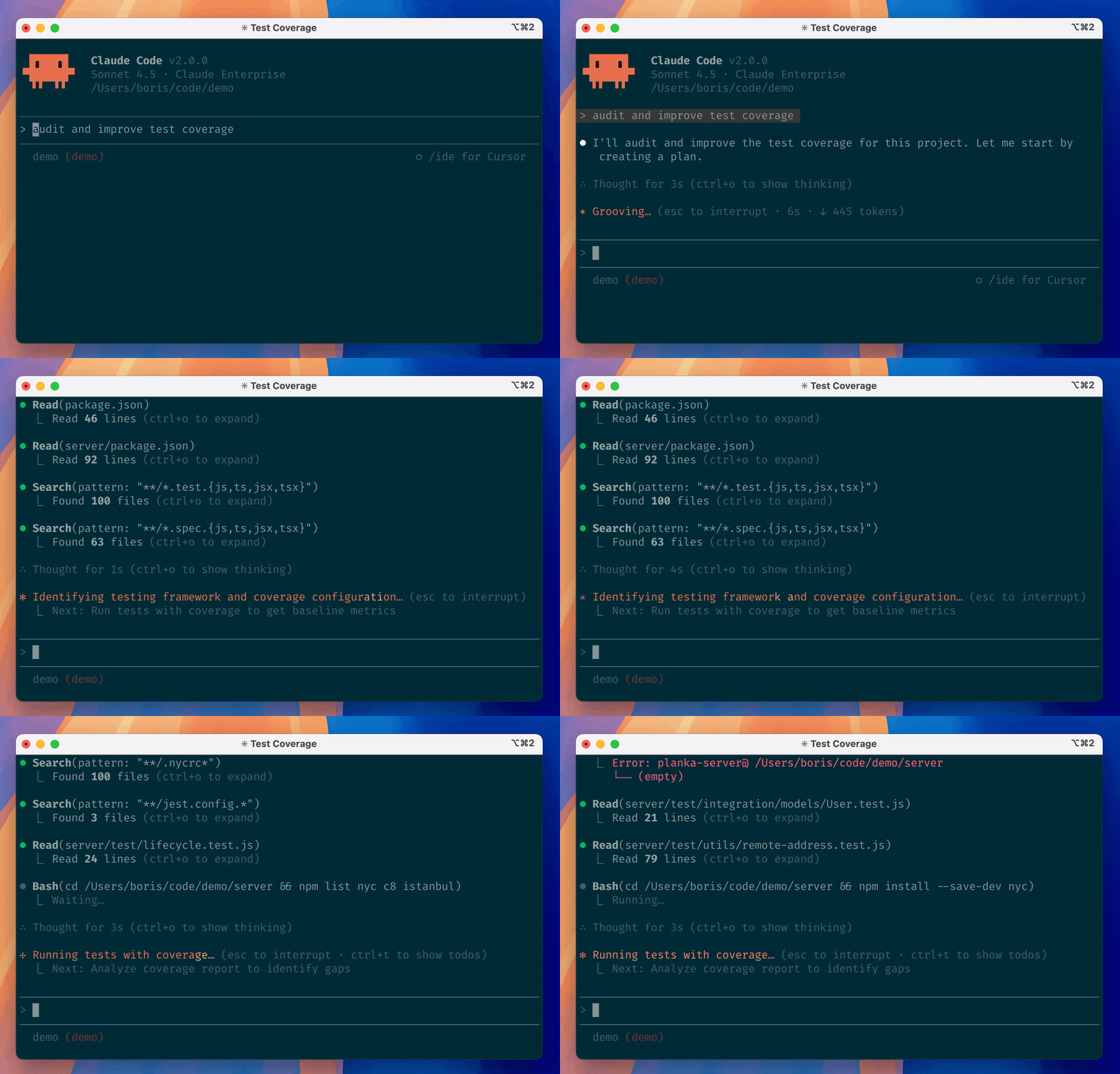
🥉 Claude Code (Anthropic)
- Terminal‑native agent that understands your codebase and git workflow
- Works in terminal/IDE and can be tagged on GitHub
- Plugins system for extended commands and agents
Repo: https://github.com/anthropics/claude-code
Codex CLI (OpenAI)
- Lightweight local‑first CLI agent
- Simple install via npm/brew or binaries
- Works with ChatGPT sign‑in or API key
Repo: https://github.com/openai/codex
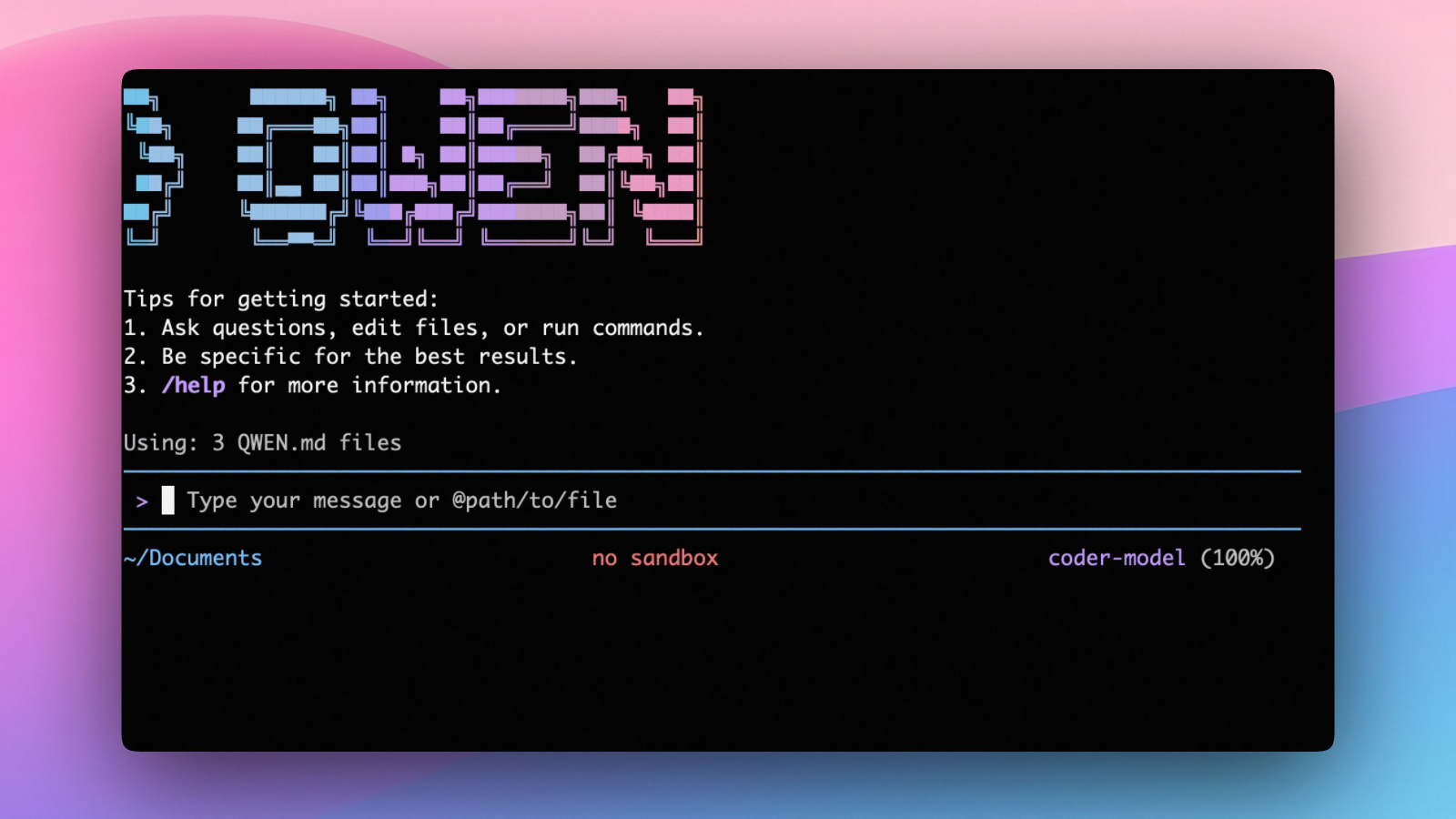
Qwen Code (Alibaba)
- Open‑source terminal agent optimized for Qwen3‑Coder
- OAuth free tier (2,000 req/day) or OpenAI‑compatible API
- Headless mode, IDE integrations, TypeScript SDK
Repo: https://github.com/QwenLM/qwen-code
Copilot CLI (Microsoft / GitHub)
- Terminal harness connected to repos, issues, PRs
- MCP‑powered extensibility + explicit approval for actions
- Requires Copilot subscription
Repo: https://github.com/github/copilot-cli
Kimi CLI (Moonshot)
- Terminal agent with built‑in shell mode (Ctrl‑X)
- MCP support + ACP IDE integration
- Zsh plugin + VS Code extension
Repo: https://github.com/MoonshotAI/kimi-cli
Mistral Vibe (Mistral)
- Minimal CLI coding assistant
- Built‑in agents, tool approvals, subagents
- Highly configurable; UNIX‑first support
Repo: https://github.com/mistralai/mistral-vibe
💡 Innovation: How I’d choose a CLI agent for real production
1) When I need maximum model context
Gemini CLI is the clear winner if I want long‑context reasoning and can stay inside Google’s ecosystem.
2) When I need provider freedom
OpenCode and Qwen Code keep the model layer flexible, which matters if I’m iterating on cost/latency trade‑offs.
3) When I need GitHub‑native workflows
Copilot CLI’s tight integration with issues/PRs is the strongest if the repo lives on GitHub and governance matters.
4) When I need a minimal but safe terminal agent
Mistral Vibe’s approval flow + subagents is a clean baseline for teams who want control.
Key Takeaways
| Insight | Implication | Next Steps |
|---|---|---|
| CLI is the agent’s natural habitat | Lowest‑friction control loop | Standardize a CLI workflow |
| Provider lock‑in is a real tax | Open agents keep options open | Separate harness vs model |
| GitHub‑native flow accelerates shipping | Issues/PRs become part of the loop | Adopt Copilot CLI for repos |
New Questions
- Which CLI agent becomes the default shell for teams?
- Do we need a single harness, or a portfolio of agents per task?
- What’s the right balance between automation and approval gates?
References
- https://github.com/google-gemini/gemini-cli
- https://github.com/anomalyco/opencode
- https://github.com/anthropics/claude-code
- https://github.com/openai/codex
- https://github.com/QwenLM/qwen-code
- https://github.com/github/copilot-cli
- https://github.com/MoonshotAI/kimi-cli
- https://github.com/mistralai/mistral-vibe