AI
Microsoft Agent Framework Harness Defaults Vary by Language
Compare Microsoft Agent Framework Harness defaults in Python and .NET, including Skills, file access, and configuration-dependent features.
A one-call agent factory sounds portable. Then you move a small agent from Python to .NET and discover that one language loads Skills by default while the other waits for you to opt in. The interesting question is not whether the Harness has useful defaults. It does. The question is which defaults survive the language boundary.
Does “batteries included” mean feature parity?
Microsoft’s release announcement describes a stable, batteries-included Harness in Python and .NET. It lists function invocation, history persistence, compaction, todos, modes, file memory, Skills, web search, approvals, and telemetry. The same announcement separates background agents, file access, looping, and shell tooling as opt-in features that were not yet released at the time of that post. That is a useful starting map, not a guarantee that every feature is present in every language with the same default.
The current Python and .NET Harness guidance gives a more precise answer. The pinned implementation is a separate check on those docs, because “the docs say it is on” still leaves a practical question: what exactly gets composed when the factory or builder runs?
Technical Analysis: separate the shared baseline from the language split
The common baseline is real. Todo tracking, plan and execute modes, session file memory, per-service-call history persistence during tool-calling runs, telemetry, and the tool-approval layer are part of the default composition in both languages. But several nearby capabilities are conditional, and one default is explicitly different.
| Capability | Python | .NET | What to verify |
|---|---|---|---|
| Todos and plan/execute modes | Enabled by default | Enabled by default | Disable or replace providers only when the app has a deliberate alternative. |
| Session file memory | Enabled by default | Enabled by default | The default store is rooted in the current working directory under agent-file-memory and the memory is session-scoped. |
| Shared file access | Opt in by supplying a file store | Opt in by supplying FileAccessStore | This is separate from session memory. In Python, file access uses a shared workspace by default when enabled; set file_access_session_scoped=True when isolation by session is intended. |
| Agent Skills | Opt in through skills_provider or skills_paths | Enabled by default, using the current directory unless a source is supplied | This is the clearest language-level default split. Check what skills can be discovered from the process working directory. |
| Compaction | Requires the token-budget values or a custom strategy | Requires the token-budget values or a custom strategy | Built-in token-budget compaction needs both context-window and output-token values. A bare Harness call does not automatically manage any context size. |
| Web search | Added where the selected chat client supports it | Added by the Harness where the selected chat client supports it | A provider or model that lacks the capability does not gain it just because the Harness exists. |
| Background agents and looping | Optional; currently experimental | Optional composition | Treat these as version-sensitive features, not part of the minimum portability promise. |
The table is intentionally about what the Harness composes, not every capability a model provider might offer. For example, web search depends on the selected chat client. A capable client can expose a tool that another client does not. Likewise, the Harness can manage tools you provide, but it cannot make a tool available when the client or package does not support it.
File memory is not shared file access
This distinction is easy to miss because both features mention files. Session file memory gives the agent a place for notes and artifacts across turns. The Python implementation creates its default store under the current working directory in agent-file-memory and scopes memory to a session. The .NET implementation uses the same directory name under the current working directory and creates a separate working folder for each memory state.
File access is a different provider. It adds read or write tools for a workspace, and it is opt-in in both languages. Python’s file_access_session_scoped option defaults to false, so if you supply a store and want a per-session workspace, make that choice explicitly. In .NET, changing the process working directory can change both where session memory is written and which Skills are discovered. In Python, the default memory path follows the working directory, but Skills remain absent until you explicitly supply a provider or path. A supplied file-access store has its own scope decision.
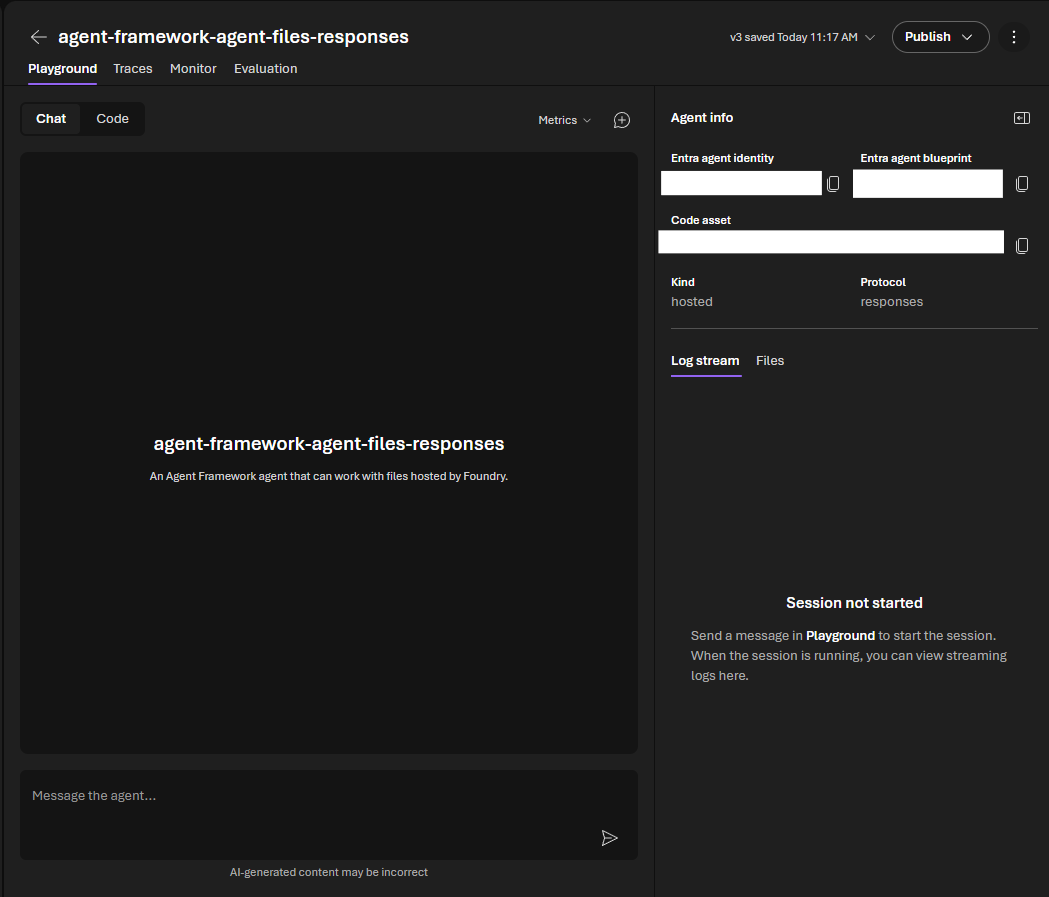

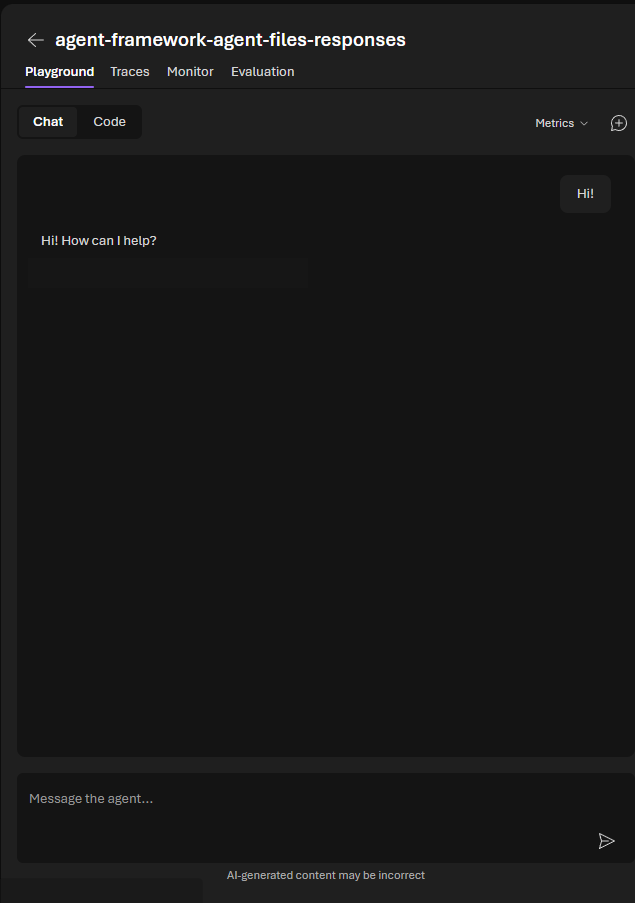
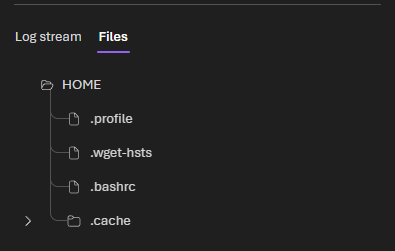
The same hosted sample separates the chat view from its Files panel. These are Foundry-hosted sample screens, not evidence that Harness file access is enabled by default. The published chat crop and Files-panel redaction omit sample identifiers and diagnostic/control details.


Skills are the portability check I would not skip
At the pinned source, Python adds Skills only when a skills provider or paths are supplied. The .NET Harness adds its AgentSkillsProvider unless disabled, using the current working directory by default. That does not make one implementation better. It means “works out of the box” has different consequences: a Python app that forgets to pass Skills gets none through this Harness path, while a .NET app may discover Skills from its working directory without a separate opt-in.
That difference is why I would test the composition, not just the agent’s final answer. A portable Harness smoke test should record which providers were installed, which Skills were discoverable, where file memory was written, whether the chosen client supplied web search, and the current release stage of optional features. Those are observable parts of the runtime contract.
A sample interface is not the Harness interface
The Harness documentation says it does not prescribe an application interface. The repository’s DevUI README calls DevUI a sample app and explicitly says it is not intended for production use. This screenshot is useful as an example of the sample’s event and chat views, but it is not evidence that the Harness ships this user interface.
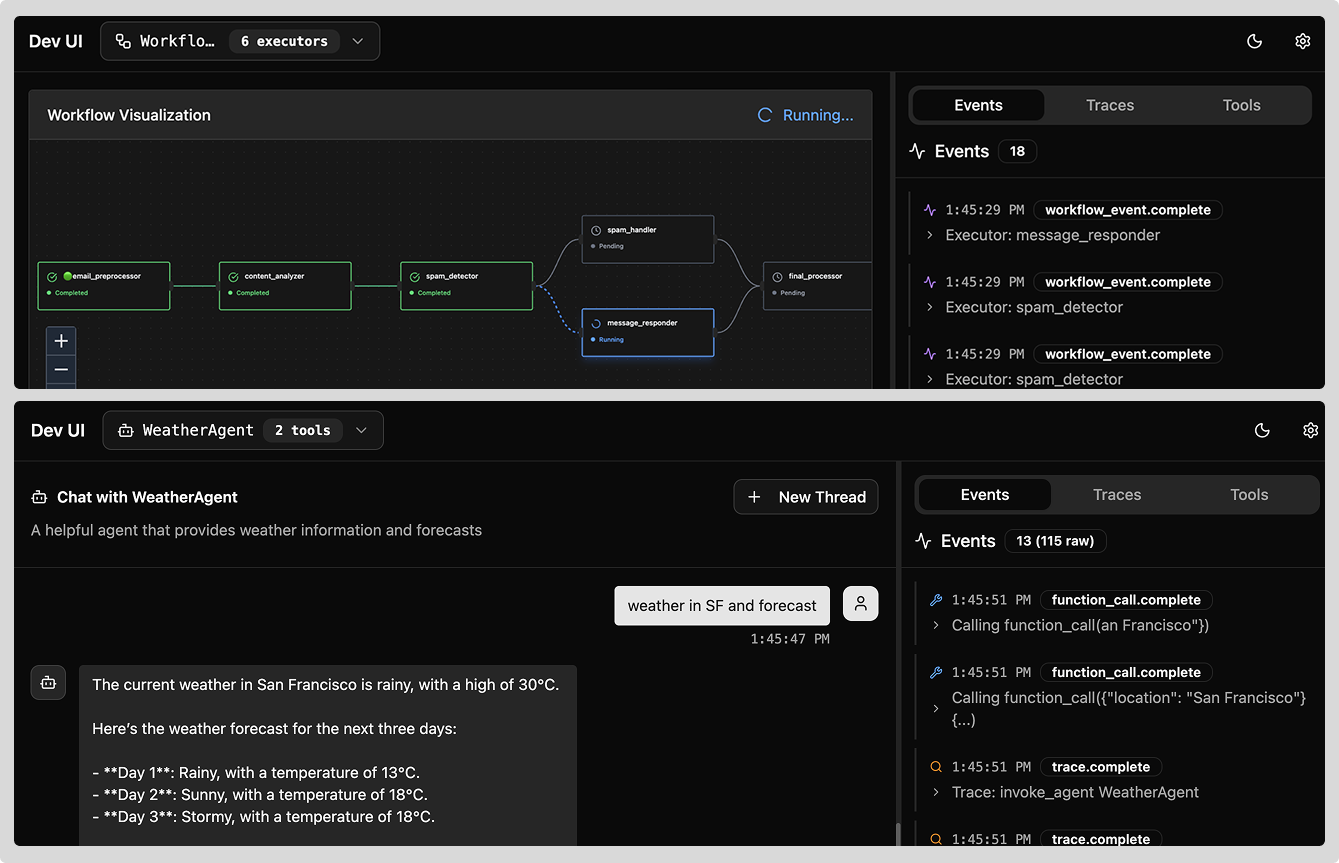

Workflow visualization is a separate sample surface
The repository also includes a separate .NET Workflow Visualization sample. Its README describes rendering an application-defined map-reduce workflow as Mermaid or DOT/Graphviz output. That is a separate Workflow API sample, not a Harness UI or a default Harness capability.
The same caution applies to computer-use demonstrations. The .NET Foundry sample’s README says it does not connect to a real browser; it intercepts actions and returns prerecorded screenshots instead. I treat it as a protocol exercise, not evidence that a generic Harness agent has live browser control by default. The hosted file-response sample’s agent_session_id and Files panel are also separate from the Harness’s AgentSession abstraction and default composition.
“Optional” also has a release-stage meaning
Current Learn guidance labels background agents, file access, and looping as experimental. The Python factory accepts a shell executor, but the pinned implementation requires the separate agent-framework-tools package and a chat client that supports shell tools. The current docs describe that package as pre-release. So “the factory can wire it” should not be shortened to “the Harness always includes it.”
The same docs currently say a packaged Go Harness is not available. Go users can compose the corresponding agent, context-provider, compaction, and middleware pieces directly, but that is a different starting point from the Python factory or .NET HarnessAgent.
Make the default set an explicit test
If I were porting an agent between Python and .NET, I would make one small compatibility test before tuning prompts. Start each implementation in a clean temporary working directory, then assert the provider set, Skills discovery, memory path, file-access scope, web-search availability, and the documented release stage of optional features. The test should use the exact package versions the app will ship, because a live Learn page and a pinned source snapshot answer different questions.
That checklist also protects against a common demo-reading mistake. A polished DevUI view, a Foundry hosted-session screen, or prerecorded Computer Use screenshots can illustrate an adjacent sample. None tells us which behavior the Harness creates by default.
Key takeaways
- Python and .NET share a useful Harness baseline, but Skills are opt-in in Python and enabled by default in .NET.
- Session file memory is not the same feature as shared file access. Memory is on by default; file access is opt-in.
- Compaction and web search depend on configuration or client support rather than a single universal default.
- Background agents, file access, looping, and shell tooling need a version and release-stage check before production use.
- Samples demonstrate possible compositions. Their interface and prerecorded screenshots are not proof of default Harness behavior.
The new question I would test next is simple: can a minimal Python and .NET agent produce the same observable provider, tool, and persistence report from a pinned dependency set? That answer would make “portable Harness” a testable claim rather than an assumption.
References
- Microsoft Agent Framework Harness release announcement
- Current Python Harness guidance
- Current .NET Harness guidance
- Pinned Python Harness implementation
- Pinned .NET Harness implementation
- Pinned DevUI README
- Pinned hosted file-response sample README
- Pinned Computer Use sample README
- Pinned Workflow Visualization sample README
- Cover asset: Microsoft Agent Framework README banner at the pinned commit, used as cover art and not counted as a source-reference image. Copyright Microsoft Corporation; distributed under the MIT license.

Editorial method: claims in this article point to primary documentation, pinned source code, runnable checks, or dated measurements, with AI-assisted research under the site's evidence-gated policy. How this site verifies claims and discloses AI assistance · Report a correction.
Working on something like this?
I take a small number of paid, scoped reviews: AI agent/RAG architecture diagnosis, Unity CI & build-automation audits, and multimodal QA design review. Each one ends in a written findings document.
Work with me